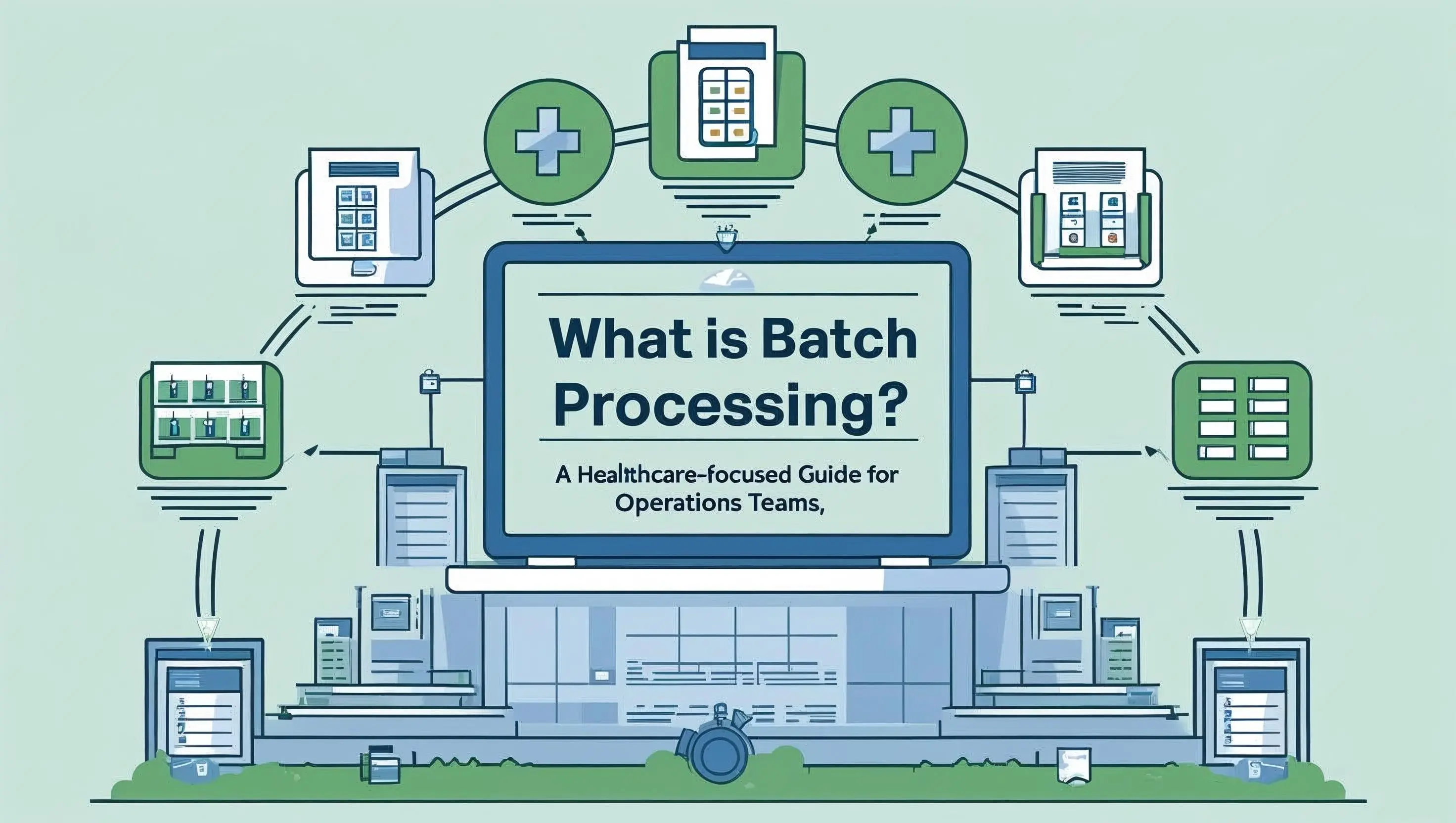
At its core, batch processing means handling a group of tasks or transactions all at once, instead of one at a time.
It’s how your EHR posts 50 insurance payments in a single click.
It’s how your clearinghouse sends out a file of 837 claims to 10 payers in one go.
It’s how your system closes a billing cycle, generates 200 patient statements, and spits out a report—automatically.
And it’s absolutely everywhere in healthcare.
What Is Batch Processing? The Technical Definition (Hold the Tech-Speak)
Batch processing is the execution of a series of tasks grouped together, typically scheduled or triggered automatically, without requiring human input during the run.
Think of it like this:
Real-time = one task at a time, you’re hands-on
Batch = many tasks at once, system does the work
In healthcare, batch processing happens constantly:
Claims submissions
ERA/EFT payment posting
Eligibility checks
Patient billing cycles
Report generation
Why Healthcare Still Runs on Batch Processing
While other industries have sprinted toward real-time everything, healthcare continues to rely heavily on batching, and for good reason.
High data volume: The average U.S. provider processes nearly 20,000 claims annually, according to the AMA’s National Health Insurer Report Card.
Payer infrastructure: Most insurance systems still operate on overnight or multi-day processing cycles, making batch submissions and reconciliations the norm.
Admin savings: Batch processing helps reduce repetitive tasks, contributing to the $187 billion in potential savings identified by the CAQH Index if healthcare fully digitized its administrative workflows.
The bottom line? Batch processing isn’t outdated, it’s under-optimized. Most of it still depends on people moving between systems, copying data, checking spreadsheets, and posting one claim at a time.
Where Batch Processing Lives in Your Day-to-Day
If your team is doing any of the following, you’re batch processing:
Downloading multiple ERA files from a clearinghouse and posting them all at once
Running daily eligibility checks on tomorrow’s patient schedule
Generating all patient billing statements on the first of the month
Pushing a full day’s worth of claims to a payer in one file
You don’t need a tech overhaul. You just need to tighten the workflow, remove the manual steps, and let batch processing do what it was meant to do: make your day faster, not harder.
Batch Processing in Healthcare: Core Examples
Forget the theoretical. Let’s talk about what batch processing looks like in healthcare.
Whether you’re in billing, rev cycle, or ops, chances are you’re running batch processes every day, often without calling them that. Below are some of the most common (and critical) examples that power healthcare workflows behind the scenes.
1. Claims Submission Batches
What it is: Bundling multiple patient claims into one file (837 format) and sending them to payers via a clearinghouse.
Why it matters: Instead of submitting claims one at a time, batch processing sends hundreds or thousands of claims in one go, cutting down submission time and minimizing file transmission costs.
Tools involved: Change Healthcare, Availity, Office Ally
Fun fact: The average provider sends 96% of claims electronically via batch file, per the 2023 CAQH Index.
2. EFT + ERA Payment Posting
What it is: Receiving a single EFT deposit for dozens of claims, matched with an ERA file (835) that breaks down individual payments.
Why it matters: Instead of manually applying payments one-by-one, batch posting lets you reconcile and post all payments from a payer in a single session.
Tools involved: Waystar, Kareo, Athenahealth, Magical (to automate clipboard entry and reduce keystrokes)
Common pain point: ERA auto-posting only works about 70–80% of the time. The rest? Your team handles manually—line by line.
3. Eligibility Verification
What it is: Running batch checks on upcoming appointments to confirm patients have active insurance coverage.
Why it matters: Saves staff from calling payers one by one. Avoids last-minute denials and patient surprises.
Tools involved: EHR-integrated clearinghouses like Availity or standalone tools like Office Ally
Pro tip: Some tools let you schedule nightly eligibility batches for the next day’s schedule, fully automated.
4. Monthly Statement Generation
What it is: Creating and sending all patient billing statements for a specific period (weekly, biweekly, monthly).
Why it matters: Batch processing statements ensures you bill consistently, track AR aging accurately, and don’t forget patients who owe.
Tools involved: PM systems like Kareo, Dentrix, or eClinicalWorks
Bonus: Magical can autofill statement logs, track balances, or automate patient follow-up note entries across platforms.
5. Report Scheduling and Delivery
What it is: Automating the generation of AR aging reports, reconciliation summaries, or productivity dashboards on a set cadence.
Why it matters: Saves hours in end-of-month crunch time. Ensures your leadership always has the latest performance data.
Tools involved: EHR reporting modules, Excel macros, Google Sheets, or browser automation with Magical
Batch processing isn’t a concept. It’s a working reality in every healthcare ops environment.
The opportunity? It’s not to reinvent it, but to remove the friction and human effort that’s still glued between the batch and the result.
Pros and Cons of Batch Processing
Batch processing is the backbone of operational efficiency in healthcare—but it’s not without its friction. Like most legacy processes, it’s fast when it works… and brutal when it doesn’t.
Here’s the real-world breakdown of the pros and cons so you can make batching work for your team, instead of the other way around.
✅ Batch Processing: The Upside
1. Efficiency at Scale: Instead of keying in claims, payments, or reports one at a time, batch processing lets you group and execute hundreds of actions in one go.
→ Perfect for high-volume workflows like claim submissions, ERA posting, or eligibility checks.
2. Workflow Standardization: Batch jobs follow predictable, repeatable steps—ideal for building team SOPs, setting expectations, and scheduling recurring processes.
3. Reduced Human Intervention: When a batch is configured correctly, it runs with little to no manual touch, saving time and reducing the risk of mid-process errors.
4. System Resource Optimization: Batch jobs are typically run during off-peak hours (overnight, weekends), keeping EHR and network systems responsive during the day.
5. Cost Savings: Batching processes like EFT and e-claim submissions reduce the need for paper, postage, and phone-based follow-ups, helping capture part of the $25 billion in potential annual savings from healthcare admin automation (CAQH Index).
❌ Batch Processing: The Tradeoffs
1. Delayed Feedback Loop: If something breaks in the batch—missing data, a payer rejection, a claim mismatch—you may not catch it until hours (or days) later.
2. Error Amplification: One bad data point can affect dozens of records in a single run. Without validation or audit trails, it’s hard to know where the problem started.
3. System Inflexibility: Many batch tools are rigid by design, meaning they’re hard to customize or update without help from IT, the vendor, or your EHR administrator.
4. Manual Gaps Between Systems: Even if the batch runs cleanly, there’s often a manual layer required between platforms, where staff still copy/paste data, reconcile totals, and enter notes line-by-line.
5. Training and Turnover Risk: Batch processing knowledge is often tribal—if your “batch guru” leaves, processes stall, exceptions pile up, and cleanup gets expensive.
The truth? Batch processing is essential. But without automation to bridge the gaps, it leaves too much room for error, inefficiency, and staff burnout.
How Magical Enhances Batch Processing Without Replacing It
You don’t need a new clearinghouse.
You don’t need to rip and replace your billing system.
You just need to stop wasting time on the same 6 steps repeated 200 times a day.
That’s where Magical comes in.
Magical isn’t a clearinghouse. It’s not another bloated RCM platform. It’s a browser-based automation tool built to supercharge the batch processes you’re already running, without changing your core stack.
Here’s How Magical Makes Batch Processing Smarter
Automates the Gaps Between Systems
Batch runs great… until your team has to:
Copy a claim number from a PDF ERA
Paste it into the EHR
Add the same write-off note 40 times
Type a batch number into Excel. Sound familiar?
Magical automates all of that with a few keyboard shortcuts. Your team stays in the flow. No more tab switching, no more repetitive typing.
Works Across Every Platform You Already Use
Whether your team uses:
Availity
Waystar
Athenahealth, eClinicalWorks, Kareo
Office Ally, Excel, Google Sheets
…Magical works with all of them. No integrations, no coding, no IT approvals.
If it’s in your Chrome browser, Magical can automate it.
Supercharges Snippets, Clipboard, and Keystroke Workflows
Create custom snippets for:
Common write-off codes
Denial reasons
Batch payment memos
Eligibility response notes
Patient balance reminders
Pair those with clipboard automation to instantly copy and paste between systems without a single error.
Helps Your Team Save Time Without Waiting on IT
One billing manager automated a payment batch workflow using Magical and saved 4+ hours a week, with zero IT involvement and no training delays.
Another team used Magical to autofill 90% of their patient eligibility follow-up notes directly from their clearinghouse portal.
This is ops-led automation, built for real teams moving at real speed.
Batch processing is powerful.
Magical makes it unstoppable.
Best Practices for Reliable Batch Processing
Batch processing is only as powerful as the process behind it. And while automation can speed things up, it can’t fix broken habits.
Whether you’re batch posting claims, payments, or eligibility checks, here are the field-tested best practices that separate clean, scalable workflows from chaotic, error-prone ones.
Always Validate Input Before You Batch
Garbage in = garbage out. Before you run a batch, double-check:
Claim codes are complete and accurate
Patient data is clean (no duplicate MRNs or mismatched DOBs)
ERA files match the expected deposit totals
The right payers are selected and active
Fixing bad batches after the fact is always more time-consuming than catching it upfront.
Create Standard Naming Conventions for Every Batch
Name your batches consistently. Every. Single. Time.
Use a format like:
PAYER_TYPE_BILLING_CYCLE_DATE → e.g. BCBS_ERA_Posting_2025-06-15
Then mirror that naming convention in:
Folder systems (for EFT/ERA files)
Spreadsheets
EHR batch logs
It simplifies tracking, auditing, and cross-team communication.
Document Every Step in a Repeatable SOP
Don’t rely on tribal knowledge. Build a bulletproof batch processing SOP that includes:
File naming rules
Daily/weekly posting schedules
Exception handling instructions
Reconciliation steps
Magical snippet shortcuts (if you’re using automation)
The result? Fewer errors, easier onboarding, and consistent performance, even when team members rotate.
Automate What You Repeat Most
If you do it more than 10 times a day, you should automate it.
Use Magical to:
Paste claim numbers from ERAs into your EHR
Enter the same write-off code 40 times with a single shortcut
Log batch numbers across multiple systems
Copy denial reasons from one portal to another
Every 5-second task adds up fast.
Track Exceptions in Real Time
Don’t wait until the end of the week to figure out what didn’t post.
Create a shared batch exception log (in Google Sheets or your PM system) to capture:
Denials
Short pays
ERA mismatches
Missing claims
Pro tip: Add Magical snippets to auto-fill common exception notes or codes into that log, so it’s fast and error-free.
Audit Random Batches Weekly
Pick a few batches at random each week to audit:
Do the totals match the EFTs?
Were adjustments applied correctly?
Were any claims skipped or misposted?
Use the findings to improve your process and your snippets.
Done right, batch processing is a time-saving engine.
Done carelessly, it’s a silent source of lost revenue and rework.
The Future of Batch Processing in Healthcare
Batch processing isn’t going anywhere. In fact, it’s more critical than ever.
With rising patient volumes, fragmented payer systems, and relentless pressure to cut costs, healthcare organizations need processes that can scale, without adding more platforms, staff, or complexity.
That’s exactly where batch processing is headed. But it won’t look like it used to.
Here’s what tomorrow’s batch workflows will look like (and how your team can stay ahead).
Browser Automation Will Bridge the Final Gaps
The dream of fully integrated systems is still...well, a dream. In the meantime, teams are embracing browser-based automation to bridge the real-world gaps between portals, EHRs, and spreadsheets.
With tools like Magical, teams are:
Automating clipboard and keystroke tasks
Connecting legacy systems without waiting on IT
Reducing human error at scale
It’s fast. It’s flexible. And it’s already happening in the top-performing billing teams.
Micro-Automations Will Become the New Norm
Forget massive “digital transformation” projects. The real magic is in micro-automation: those small wins that shave minutes off every task and add up to dozens of hours saved each week.
Like:
Autofilling denial notes
Pasting claim numbers from ERA PDFs
Logging batch IDs across systems with one keystroke
These aren’t flashy, but they’re the difference between staying afloat and getting ahead.
Ops Teams Will Lead the Change (Not Just IT)
In the past, automation belonged to developers.
Now? Ops teams are in the driver’s seat.
They’re the ones who live in the workflows, spot the inefficiencies, and understand what needs fixing. Tools like Magical put that power directly in their hands, with no code, no integrations, and no red tape.
This shift means:
Faster rollout
More agile processes
Continuous improvement driven by the people doing the work
Batch Processing Will Get Smarter, Not Just Faster
We’re not just automating speed, we’re automating strategy.
The next evolution will include:
Smart batch validation
Real-time error detection
Embedded insights to improve financial performance
And the teams that combine automation with rock-solid processes? They’ll be the ones with cleaner AR, faster payments, and less burnout across the board.
Batch processing used to be about getting through the work. Now, it’s about getting ahead without working harder.
Final Thoughts: Batch Processing Isn’t Broken—But the Way We Do It Is
You’re already running batch processes every day.
But if those processes are still held together by copy-paste, browser tabs, and mental gymnastics, you’re leaving time and revenue on the table.
Modern batch processing isn’t about working harder; it’s about working smarter. And with browser-based automation tools like Magical, you don’t need to overhaul your systems or wait on IT to make it happen.
You can:
Automate repetitive clipboard and keystroke tasks
Cut down on posting errors and time-wasting toggles
Streamline claim, payment, and eligibility workflows—immediately
All inside your existing tools.
No code.
No integrations.
No delays.
Ready to turn your everyday batch workflows into high-speed wins? Try the free Magical Chrome Extension for free, or book a demo to see how it fits seamlessly into your real-world operations.
Less drag.
More done.