Public records digitization

AI EMPLOYEES

Automate public records digitization with agentic AI

Digitize, categorize, and index physical public records for online access with 10x faster processing and automated metadata extraction.

Public records digitization

Government

1,000

Running

10x

Faster Digitization

AVG IMPLEMENTATION TIME

3 weeks

AUTOMATION SUCCESS RATE

90%+

PILOT TO PRODUCTION RATE

1:1

AVG IMPLEMENTATION TIME

3 weeks

AUTOMATION SUCCESS RATE

90%+

PILOT TO PRODUCTION RATE

1:1

AVG IMPLEMENTATION TIME

3 weeks

AUTOMATION SUCCESS RATE

90%+

PILOT TO PRODUCTION RATE

1:1

Background wave pattern

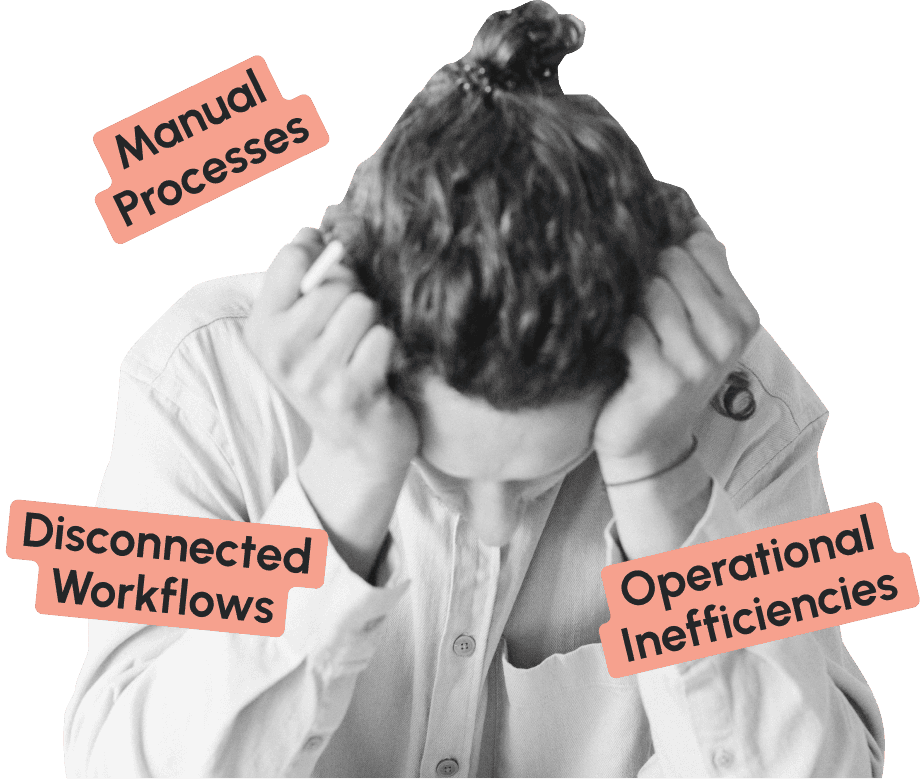
Human employees shouldn't be manually digitizing public records...

Massive Backlogs

Stacks of paper records

Decades of physical records sit in storage, inaccessible to citizens and vulnerable to damage or loss.

Millions of pages in backlog

Time-Intensive Process

Manual document scanning

Staff spend countless hours scanning, naming, and categorizing documents one page at a time.

10-15 minutes per document

Poor Searchability
Unsearchable document archives

Without proper indexing and metadata, digitized records are nearly as difficult to find as paper ones.

Limited public access to records

Loading your AI employee…

To embed a website or widget, add it to the properties panel.

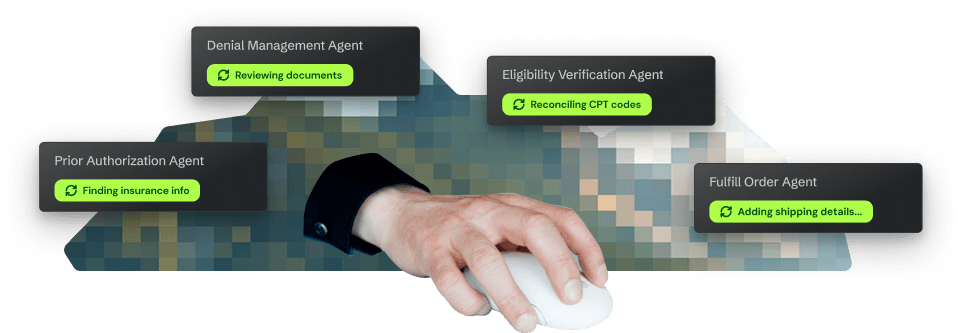
Use agentic AI to automate public records digitization 24/7

AI automation workflow for document digitization
Automated document processing and OCR

Magical automatically processes scanned documents, extracts text through OCR, and converts physical records into fully searchable digital files.

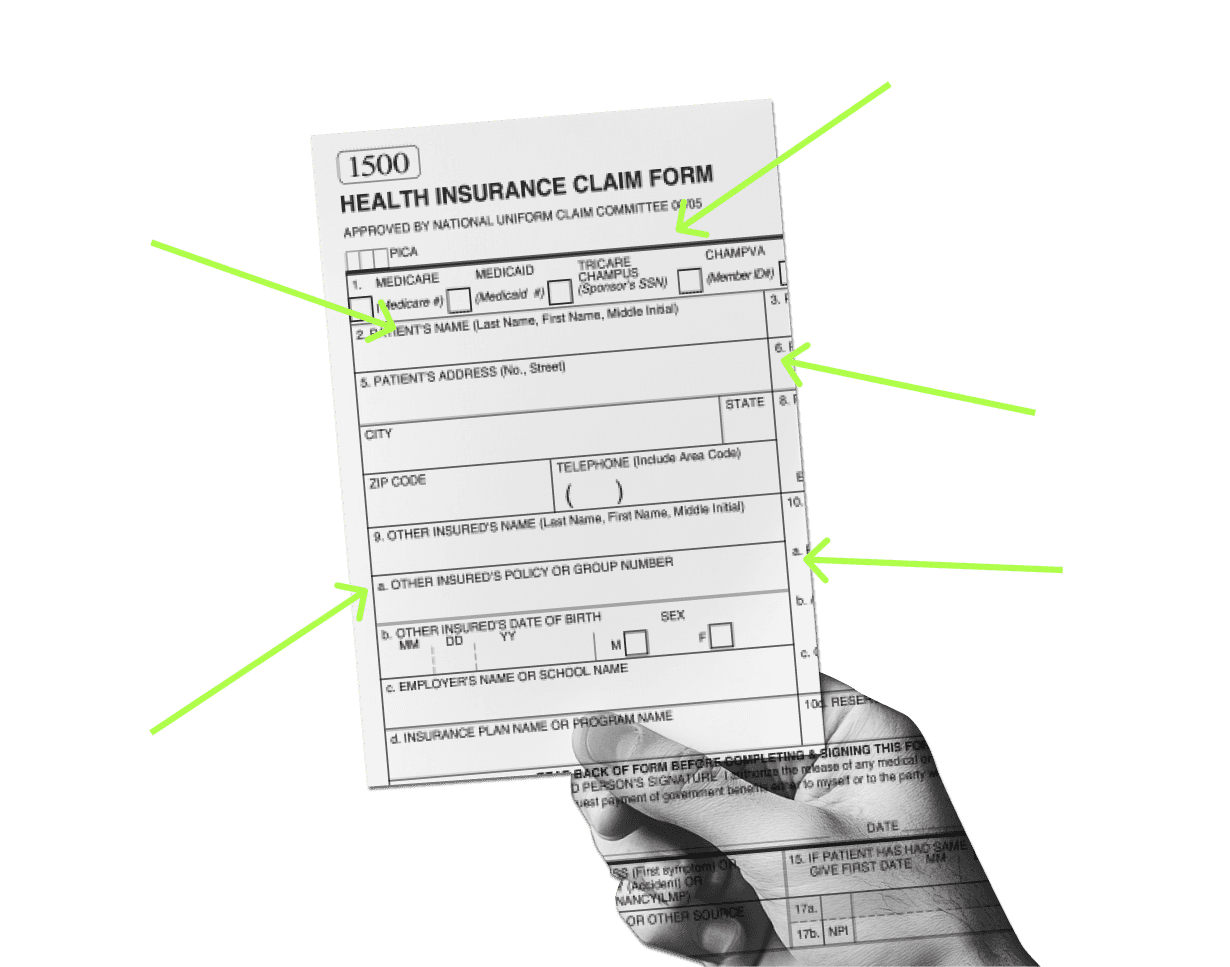
Intelligent categorization and indexing

AI automatically categorizes documents by type, extracts key metadata (dates, names, locations), and creates searchable indexes for easy retrieval.
Document categorization automation
Quality assurance workflow
Quality assurance and verification

Automated quality checks ensure accurate OCR, complete metadata extraction, and proper document classification before archiving.

Secure digital archive management

All records are processed securely with government-level security standards and complete audit trails for compliance.

Security compliance badge

How it works: Implement in minutes not months

How it works: Implement in minutes not months

Step 1 illustration
Step 1 illustration
Step 1 illustration

Step 1: Book a demo

See Magical in action and scope out your current records digitization workflows for automation.

Step 2: Deploy Magical

See Magical in action and scope out your current records digitization workflows for automation.

Step 2 illustration
Step 2 illustration

Step 3: Automate forever

Let your AI employee process scanned documents automatically with accurate OCR, categorization, and indexing.

Step 3 illustration
Step 3 illustration
Step 2 illustration
Step 2 illustration

Step 2: Deploy Magical

Configure the AI to understand your document types, metadata requirements, and categorization rules.

Step 3 illustration
Step 3 illustration

Step 3: Automate forever

Let your AI employee process scanned documents automatically with accurate OCR, categorization, and indexing.

Measurable results for your government agency

10x

Faster Digitization

Process documents 10 times faster with automated OCR and metadata extraction

95%

OCR Accuracy

Achieve industry-leading accuracy in text extraction from scanned documents

750+

Hours Saved Monthly

Free staff from manual document processing to focus on higher-value work

100%

Searchability

Make every digitized record fully searchable with automated indexing and metadata

What government agencies are saying

Magical has revolutionized our records digitization project. We're processing decades of backlogged documents 10x faster, and citizens can now search and access records online that were previously buried in filing cabinets.

Records Administrator, County Clerk's Office

Records Administrator, County Clerk's Office

The automated categorization and metadata extraction is incredible. What used to take our staff 15 minutes per document now happens instantly, and the searchability is far superior to manual indexing.

Digital Archives Manager, State Archives

Digital Archives Manager, State Archives

DHL
Verizon
Zoomcare
Intuit
PayPal

Security & compliance

HIPAA compliant

Magical processes all data locally with zero PHI storage

SOC 2 Type II certified

Enterprise-grade security with regular third-party audits

Secure Authentication

Secure Authentication

Single Sign-On (SSO) and multi-factor authentication options

Ready to transform your public records digitization?

Frequently asked questions

Frequently asked questions

Frequently asked questions

How long does implementation take?

Implementation takes minutes, not months. Simply install our browser extension, and you can begin creating automations immediately.

Can Magical handle different document types?

Yes, Magical can process any type of scanned document, from historical records to legal documents to administrative files, regardless of age or condition.

How does Magical ensure data security?

Magical processes all data locally in your browser with zero data storage. All records stay within your secure government systems, meeting the highest security standards.

What if OCR quality is poor?

Magical includes quality assurance checks that flag low-quality OCR for human review, ensuring accuracy while still processing the majority of documents automatically.

How does Magical create metadata?

Magical uses AI to extract key information from documents (dates, names, document types, etc.) and automatically creates standardized metadata for easy searching and retrieval.

Background wave pattern